A size you choose, or a quality you choose
Pick a target in kilobytes and the solver works towards it, or pick a format and a quality floor and it works the other way.
Android app · Squish Club
Image compression that hits your target size, and says honestly when it cannot.
Requires Android 8.0 (API 26) or newer.
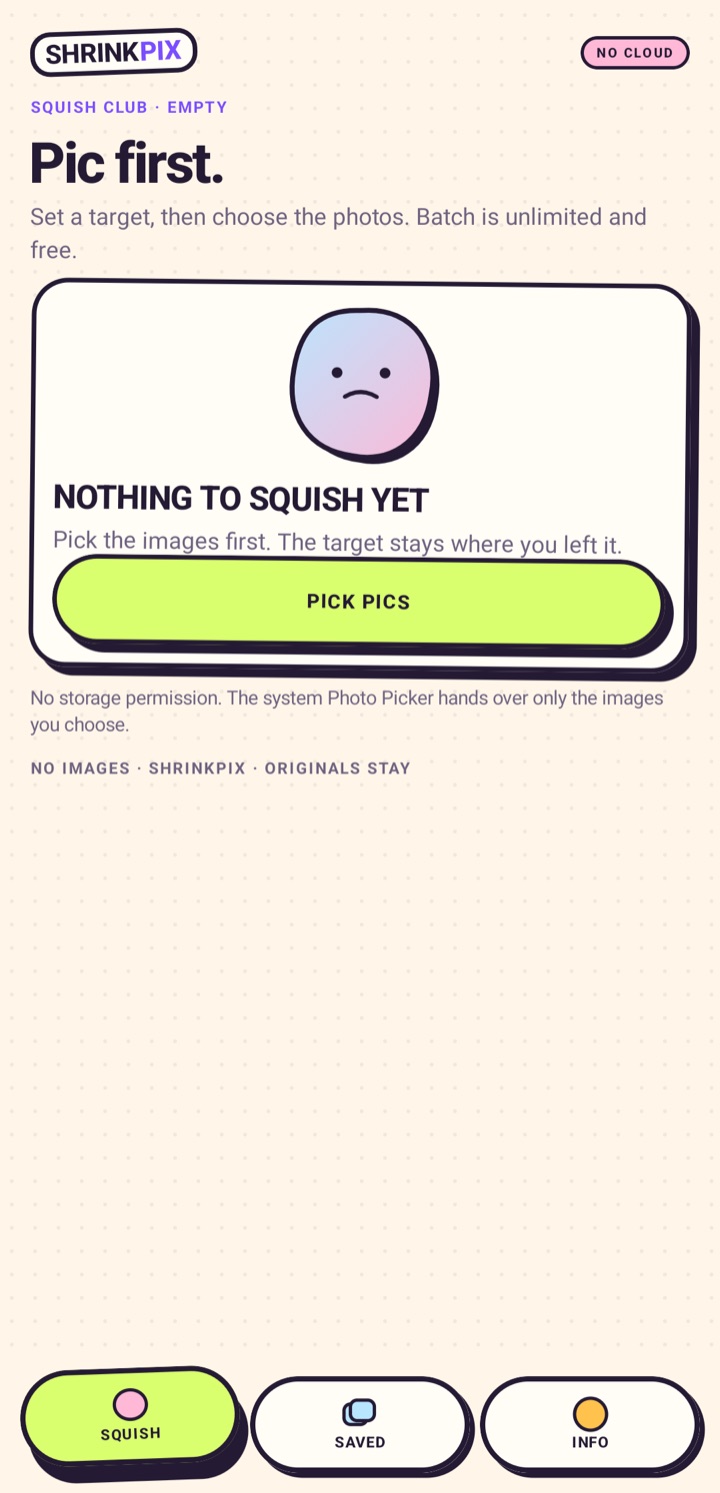 THE REAL STAGE
A target, not a guess
Slide the target. The solver works towards it and reports what it actually reached. If the floor is hit, it says so instead of handing you a worse picture.
The whole promise, on stickers
Pick a target in kilobytes and the solver works towards it, or pick a format and a quality floor and it works the other way.
When the target cannot be reached without going below a quality the app will not cross, it says so and gives the number instead. A size it did not measure is never reported.
ShrinkPix declares no Android permission at all. It cannot list your photo library, read your files, or reach the network — and that is checkable rather than promised.
Images are read through the system photo picker and written back where you choose. Nothing is uploaded, because the app has no way to upload.
A new file is written and the original is left exactly as it was, including its location data, which the app does not copy.
Each job records the size it started at, the size it reached, and the quality it used — so a result can be checked rather than believed.
Real before-and-after sizes, measured by encoding the file. The original is still where you left it.
ShrinkPix refuses rather than going below the quality floor. Nothing is written, the original is untouched, and the number it could not reach is shown.
No permissions. On purpose.
ShrinkPix asks for no Android permissions at all, so it cannot read your photos, your files, or the network. The images you compress are processed on your device and are never uploaded.
The system Photo Picker hands over only the images you choose. There is no photo-library permission to revoke, because there is no permission at all.
Read the privacy policy →On Google Play
Free to start. One optional purchase if you want the extras.
View on Google PlayRequires Android 8.0 (API 26) or newer.
Available on Google Play.