Merge, split, extract, rotate, reorder
The five operations people actually need, each of them done properly — a split by a page list, a page range, or fixed chunks.
COPY 001 · Android app
Every PDF tool, free, with no page cap and no file-size cap.
Requires Android 8.0 (API 26) or newer.
FILES 2 PDFs selected
ORDER 1 · 2
OUTPUT merged-2026-10-22.pdf
A NEW FILE IS WRITTEN.The originals stay untouched.The drawer index
No page cap, no file-size cap, no daily limit. The tools people actually need, done properly.
The five operations people actually need, each of them done properly — a split by a page list, a page range, or fixed chunks.
Turn a set of photos or screenshots into a PDF, with the image centred on the page and never stretched.
No page limit, no file-size limit, and no daily limit. A tool that works for eleven pages and then asks for money is the complaint this app exists to answer.
PocketPDF declares no Android permission at all. It cannot list your files, read your photos, or reach the network.
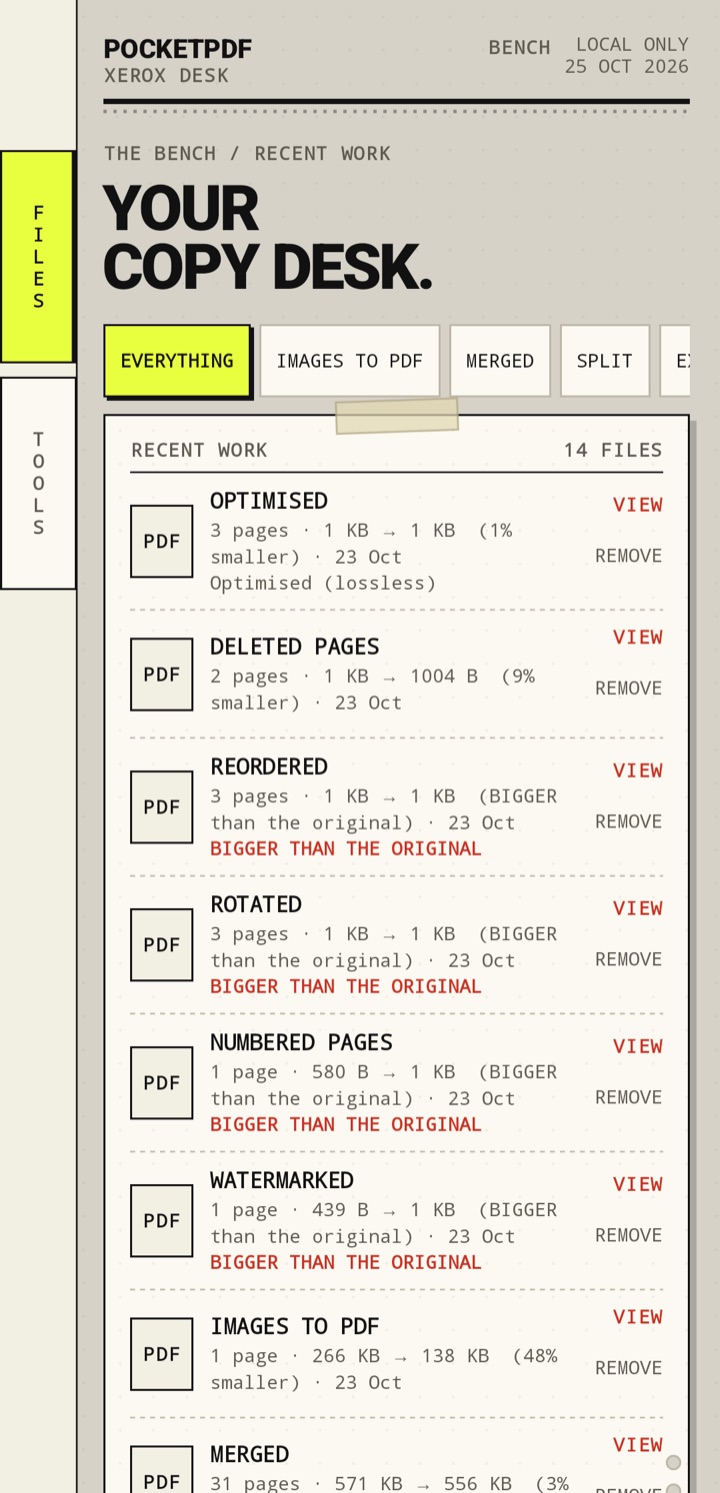
Every operation writes a new file. Delete pages, reorder pages, merge documents — the originals are exactly as they were.
The app keeps a history of what you did, on the device, so a half-finished job can be picked up. Delete it and it is gone.
ALL TWELVE ARE FREE. · No account, no upload, no storage permission.
The bench, not a form
Merge, split, extract, rotate, reorder. Every operation writes a new file and leaves the source exactly as it was. A half-finished job is remembered on this device.
2 PDFs selected
Order 1 · 2
24 pages
WRITE →Each chunk becomes its own PDF.
WRITE →Privacy is a build property
PocketPDF asks for no Android permissions at all. Your documents are processed on your device and are never uploaded, because the app has no way to upload them.
Documents are opened through the system picker and written through the system picker. There is no library scan, no upload and no account.
Read the privacy policy →On Google Play
Free to start. One optional purchase if you want the extras.
View on Google PlayRequires Android 8.0 (API 26) or newer.
Available on Google Play.