01
The document an insurer asks for
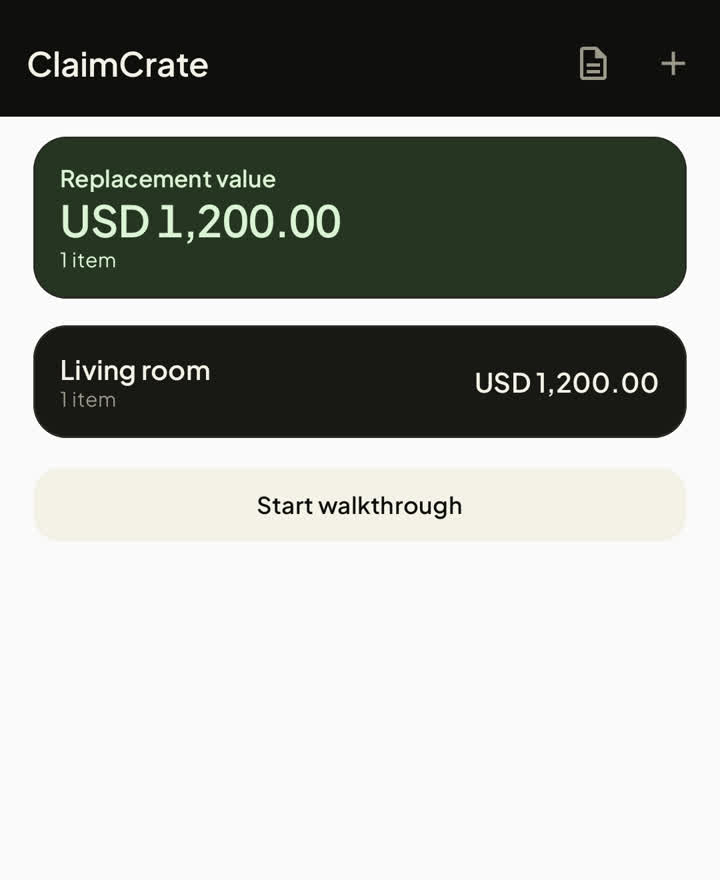
ClaimCrate turns your inventory into a room-by-room claim schedule: descriptions, quantities, purchase and warranty dates, serial numbers, replacement values, per-room subtotals, a grand total, a photo appendix and a declaration you can sign.
02
Walk the room, don't fill a form
Name it, value it, add the next one. The walkthrough keeps the previous room and container so a room takes a minute, not an evening.
03
Photographs that keep their place
Photos are re-encoded on import, so the coordinates of your home are removed with the rest of the camera data, and the file is stored under its own fingerprint so a duplicate never becomes a second copy.
04
Dates that come back to you
A warranty, a return window, a loan and an expiry date each arm an inexact reminder seven days before at 09:00. Android clears alarms on a restart, so the app re-arms them from its own database.
05
Scan it, don't type it
The in-app scanner reads barcodes and QR codes with ZXing on the device — no product lookup, no network call. The number lands in the item and is searchable with everything else.
06
A backup you can hold
One ZIP holds the inventory and its photographs. Keep it on the phone, put it on a drive, or — if you connect an account — send it to a folder in your own Google Drive with the narrowest drive.file scope.
07
Values that cannot quietly go wrong
Amounts are stored as exact decimals, never as floating point, and the total is computed once — so the number on the screen and the number on the PDF are the same number.
08
Find it in a second
Search across names, brands, models, serial numbers, barcodes and notes, and keep separate lists of what is under warranty, what is still returnable, and what you have lent to someone.
09
Nothing leaves without you
No account, no ads, no analytics, no ClaimCrate server. Export a spreadsheet, the claim schedule or a backup ZIP yourself; the optional Google Drive backup is the only network feature and it is off until you connect an account.